In short: The FNMT digital certificate and Cl@ve are your IDs for Spanish authorities online. You apply for the certificate online, prove your identity once in person with your NIE and passport, and then download it. With the certificate you can then register for Cl@ve without another trip to an office.
At a glance
- What it is: electronic ID and signature for government portals
- Requirement: NIE, plus passport, email address and your own computer
- Where: application on the FNMT website, proof of identity at a registration office
- Time: download about one hour after proving your identity
- Order: first NIE, then certificate, then Cl@ve
What do you need the certificate and Cl@ve for?
Spanish authorities work very digitally. Almost every portal has a “Sede Electrónica” where you submit applications, retrieve decisions and download certificates. You only get in if you identify yourself electronically. Without a certificate or Cl@ve, all you are left with is an appointment at the counter, and appointments are scarce.
Typical cases in the first year:
- Tax return and letters from the tax office, see Taxes in Spain
- Social Security on the Import@ss portal, for example when registering as an Autónomo
- Certificates from the Padrón and applications to the town hall
- Health service of your region, see Health insurance and health card
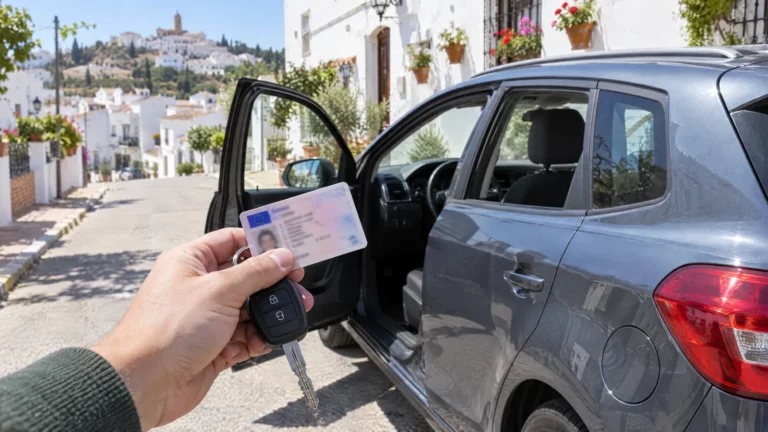
- Traffic authority for Car and driving licence
Certificate or Cl@ve: what is the difference?
Both open the same doors but work differently. The certificate is a file on your device. Cl@ve is access via your mobile phone and a code.
| Digital certificate (FNMT) | Cl@ve | |
|---|---|---|
| What it is | File installed in the browser or operating system | Access via app or code sent to your phone |
| Issuer | FNMT, the Spanish Royal Mint and printer of official documents | Spanish administration |
| Strength | works everywhere and also serves as a signature | convenient on your phone, no certificate needed on the device |
| Weakness | application and download are tied to one computer | basic level only opens some of the services |
For everyday use, one of the two is often enough. It makes sense to start with the certificate: that way you get Cl@ve at the higher level straight away.
FNMT digital certificate in four steps
The FNMT sets out four steps for the certificate for individuals (certificado de persona física). It is important that you do everything on the same computer.
-
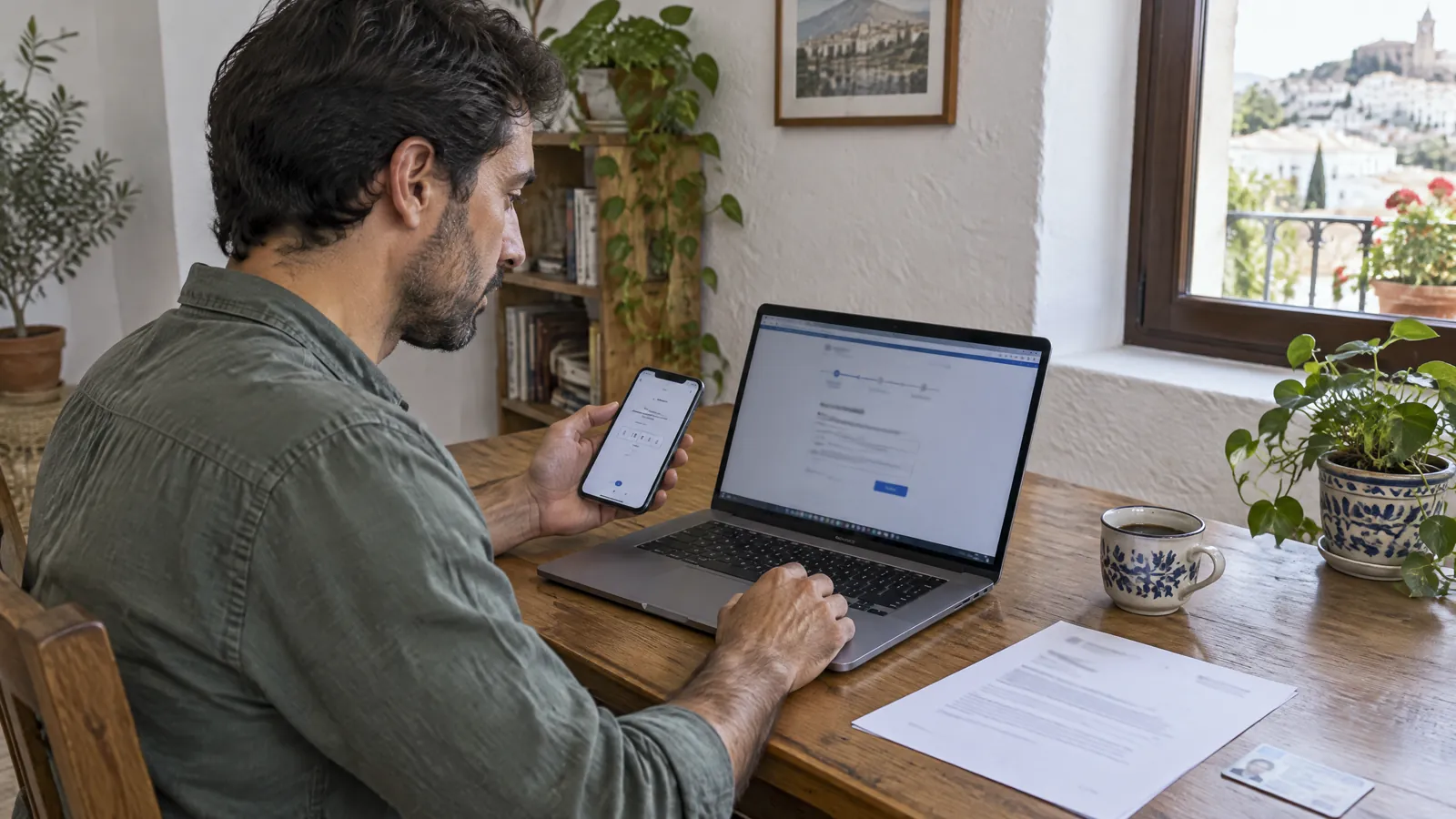
Prepare your computer
You install the FNMT software, the Configurador FNMT. Without it, the certificate cannot be generated later.
-
Apply online
On the FNMT website, you enter your NIE and your email address. The Código de Solicitud, your application code, arrives by email.
-
Prove your identity
With the code, you go in person to a registration office (Oficina de Acreditación). The FNMT has an office finder for this. At the tax office (Agencia Tributaria), Social Security and other authorities you need an appointment.
-
Download and back up
About one hour after proving your identity you can download the certificate: on the same computer and with the same user account as for the application. Make a password-protected backup copy immediately. You use this copy to install the certificate on other devices.
Which documents do you take to the registration office?
For citizens of EU countries, the FNMT lists several possible combinations in addition to the application code. The simplest: the official document assigning your NIE together with your passport. Valid originals or certified copies are required.
- Código de Solicitud (printed or on your phone)
- Original document with your NIE
- Passport, valid
- Appointment confirmation, if the office works with appointments
The FNMT explicitly refers to the passport. Whether an office will accept a German or Austrian national ID card instead is not guaranteed. Take your passport. How to get the number is explained under Applying for an NIE.
Can you do it without going to an office?
As an alternative, the FNMT offers video identification: you scan a QR code, have your document checked and record a short video. According to the Agencia Tributaria, this route is open to holders of a Spanish ID card or an NIE. Which IDs the technology recognises for citizens of other EU countries and what the service costs are shown by the FNMT in the application. Plan the in-person appointment as the reliable route.
Registering for Cl@ve: four ways
Cl@ve is the shared login system of the Spanish administration. You can register in four ways:
- Cl@ve app with video identification: You get the basic level in a few minutes, and the higher level after your documents have been checked.
- Online without a certificate: by invitation letter (carta de invitación) or by video call. The letter is sent by post to the address the tax office has on file for you. The result is the basic level.
- Online with a digital certificate: through the Sede Electrónica of the Agencia Tributaria. This is the most convenient way if you already have the certificate.
- In person: at a registration office.
As a foreigner with an NIE, you need an official document showing your NIE, your passport (citizens of EU countries can use their national ID card instead), a mobile number and an email address.
Basic level and higher level
Cl@ve has two levels. The basic level (básico) only opens some of the services. The higher level (avanzado) gives you full access. If you register by letter or simple video call, you end up on the basic level and will hit limits later. That is why the detour via the certificate is worth it.
The right order for newcomers
Many people try Cl@ve first because it sounds simpler, and fail. This order saves you repeated attempts:
- Get your NIE.
- Apply for the FNMT certificate and prove your identity in person.
- Register for Cl@ve online with the certificate.
Typical hurdles
The following points are based on experience. They explain most failed attempts.
- Wrong browser or user: Application and download must take place on the same computer and in the same user account.
- No suitable document with your NIE: With Cl@ve, things often get stuck on the document that is supposed to prove the number.
- Foreign mobile number: It is not always accepted during registration.
- No tax address in Spain: The invitation letter goes to the address the tax office knows. If there is none or it is out of date, the letter will not arrive.
- No backup copy: If your computer breaks, the certificate is gone.
Frequently asked questions
Do I need the certificate and Cl@ve, or is one enough?
For most procedures, one of the two is enough. The certificate is the stronger solution because it works everywhere and serves as a signature. Cl@ve is more convenient on your phone.
Can I apply for the certificate without an NIE?
No. The application on the FNMT website requires your NIE, and at the registration office you present the document with the number together with your passport.
What does the digital certificate cost?
The FNMT states the current conditions in the application. The same goes for video identification.
How long does it take?
The application itself takes minutes. What takes time is the appointment at the registration office. About one hour after proving your identity you can download the certificate.
Can I use the certificate on my phone?
Yes, via the backup copy. You export the certificate from the computer with a password and install it on your phone.
What do I do if the download does not work?
First check that you are on the same computer, in the same user account and with the Configurador FNMT installed. If that does not help, you submit a new application and prove your identity again.
Sources
- FNMT: Steps to the certificate for individuals
- FNMT: Proof of identity of an individual
- Agencia Tributaria: FNMT certificate via video identification
- Punto de Acceso General: Registering for Cl@ve
- Agencia Tributaria: Requesting the Cl@ve invitation letter
As of: October 2026
Rather do it yourself?
Playbook: Digital certificate and Cl@ve
Your electronic ID for Spanish authorities: apply for the FNMT certificate, prove your identity, back it up and set up Cl@ve, field by field. 17 pages, PDF in German.
Free
The moving checklist as a PDF (in German)
All steps in the right order to tick off. Plus the key tips by email over the next weeks (in German). Free, unsubscribe at any time.